

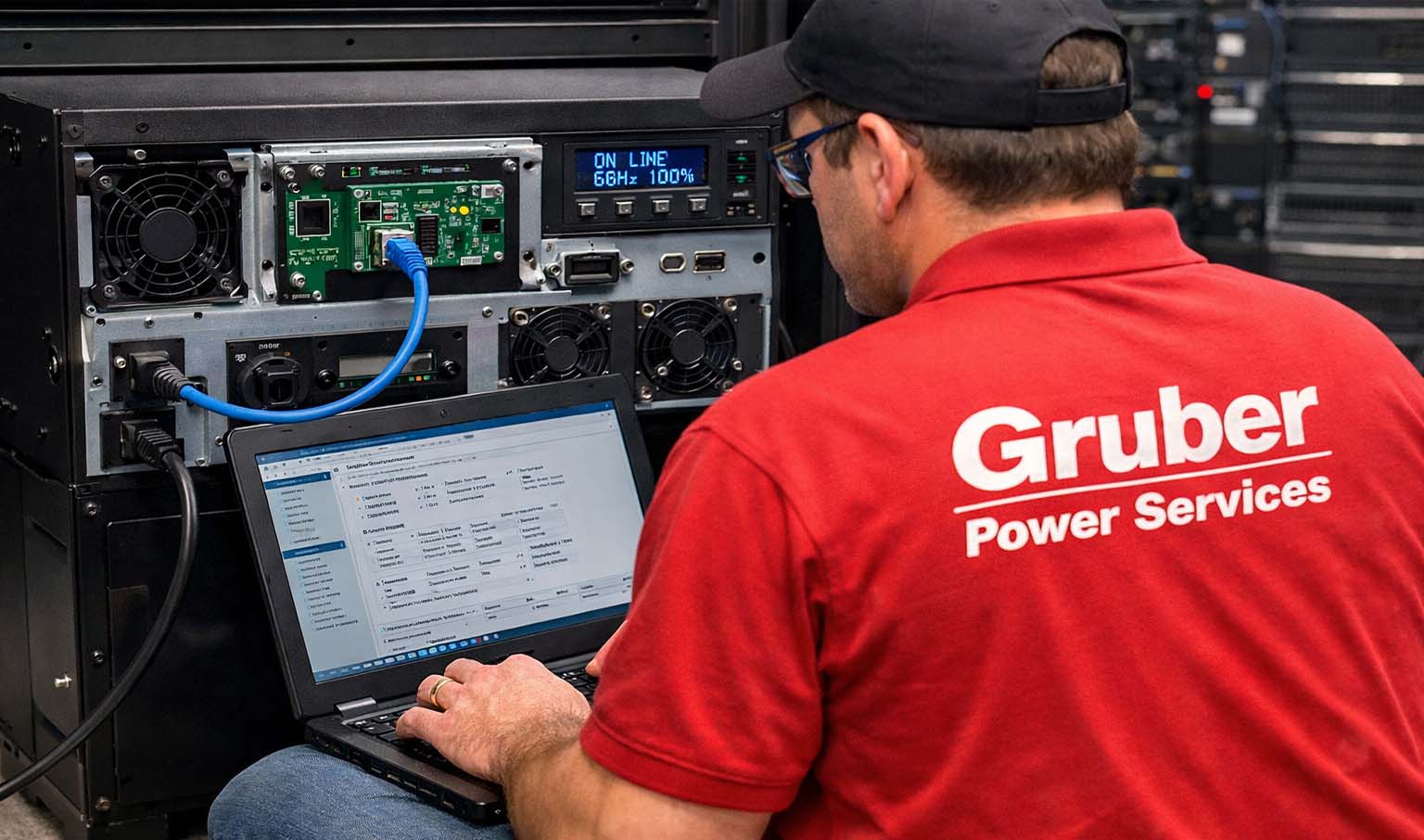
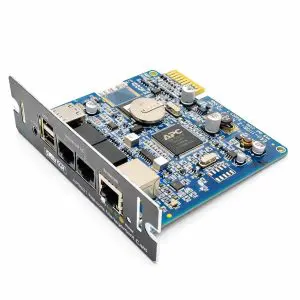
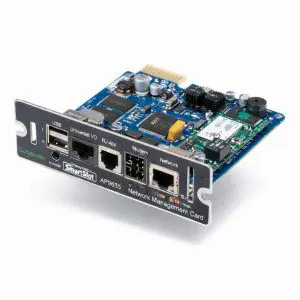
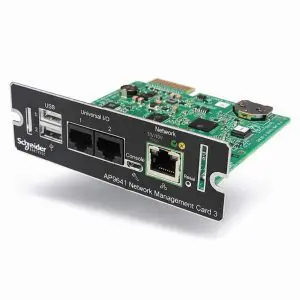
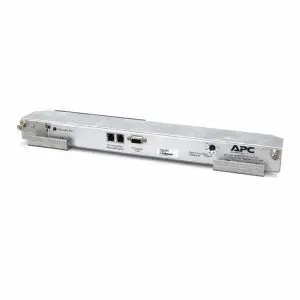
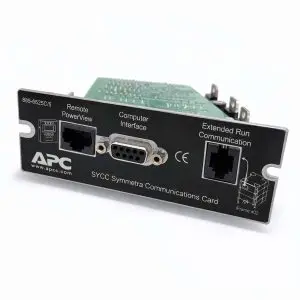
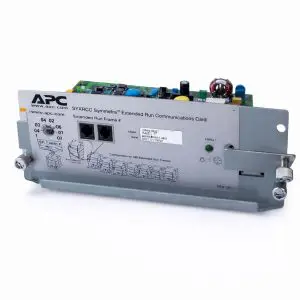
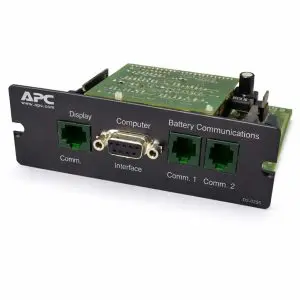
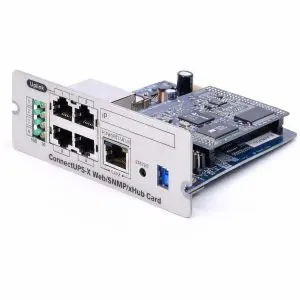
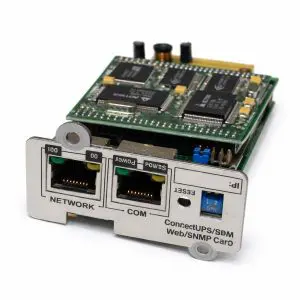
Our UPS network management cards turn a standalone UPS into a fully monitored, remotely managed power-protection system. Add Ethernet-based visibility, real-time status, event logging, and configurable notifications so you can respond fastโbefore a battery, load, or utility issue becomes downtime.
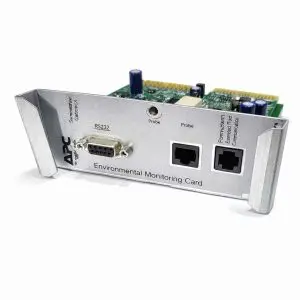
Use these cards to enable SNMP monitoring, web/HTTPS dashboards, email/SMS alerting (via gateway), and graceful OS shutdown for servers, storage, and network gear. Many options also support dry-contact inputs or environmental add-ons to track temperature, humidity, and room conditions alongside UPS health.
Showing all 13 results
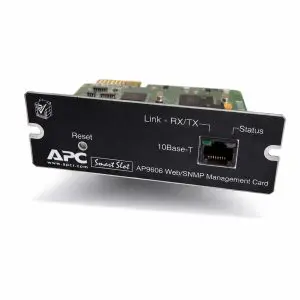
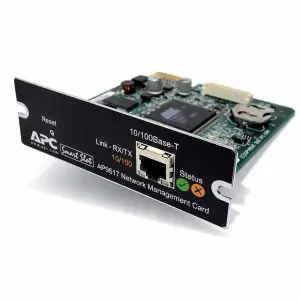
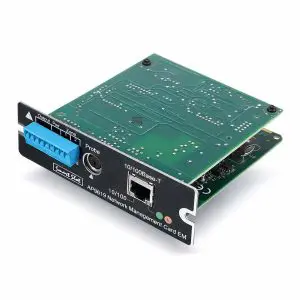
| Category | What to look for | Why it matters |
|---|---|---|
| UPS compatibility | Model family, card/communication slot type, firmware requirements | Ensures the card physically fits and is recognized by the UPS |
| Network protocols | SNMP (v1/v2c/v3), web UI (HTTPS), optional Modbus/TCP | Determines how you monitor/control and whether you can use secure management |
| Alerting | Email notifications, syslog, SNMP traps, event subscriptions | Fast escalation when you have utility events, overloads, or battery alarms |
| Managed shutdown | Supported OS/Hypervisor tools, shutdown sequencing, multi-host support | Prevents data loss by enabling graceful shutdown during extended outages |
| Security | TLS/HTTPS, role-based users, certificate support, signed firmware | Reduces risk and aligns with IT security policy |
| I/O & sensors | Dry contacts, EPO/relay inputs, temperature/humidity sensors | Extends monitoring beyond the UPS for room-level awareness |
Match the card to your UPS family and slot type, then confirm key needs:
SNMP version, secure web access (HTTPS/TLS),
shutdown software compatibility, and any
sensor / I/O expansion requirements. We can help verify fitment and
recommend the best option for your environment.
| Configuration Required โ UPS Model Information Needed | |
|---|---|
| Applies to these products | All network management cards and related options on this page must be configured to the specific UPS model they will be installed in. |
| When ordering, please provide: |
|
| Why we need this: |
|
| Note | If UPS information is not provided at the time of purchase, your order may be delayed while we contact you, or the product may ship unconfigured, requiring on-site setup by your technician or IT staff. |