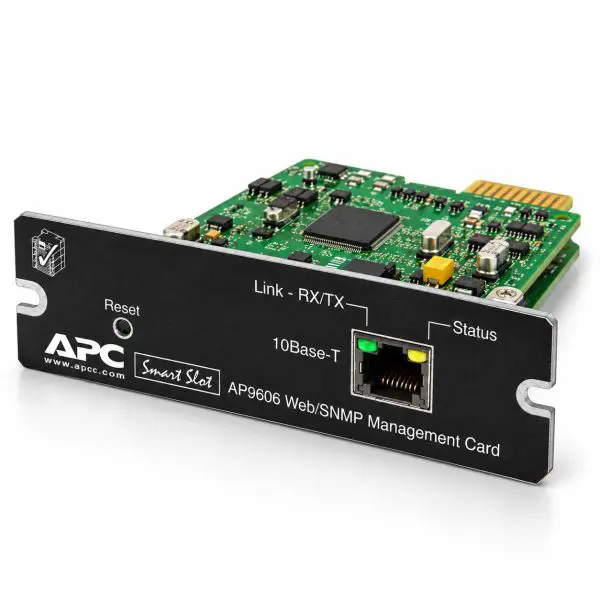
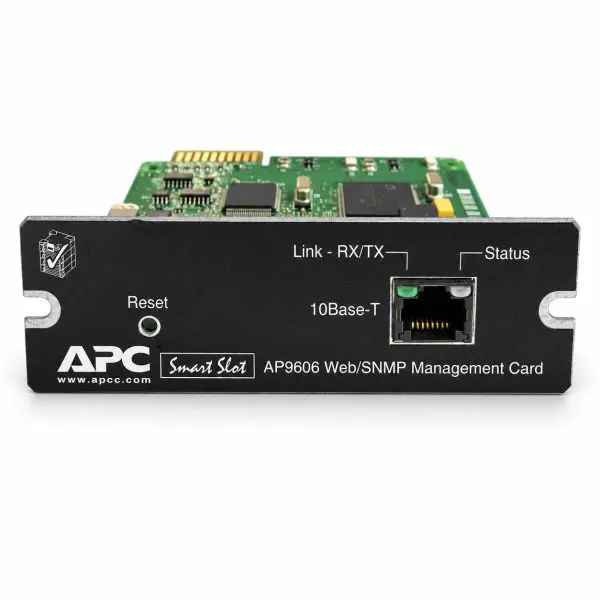
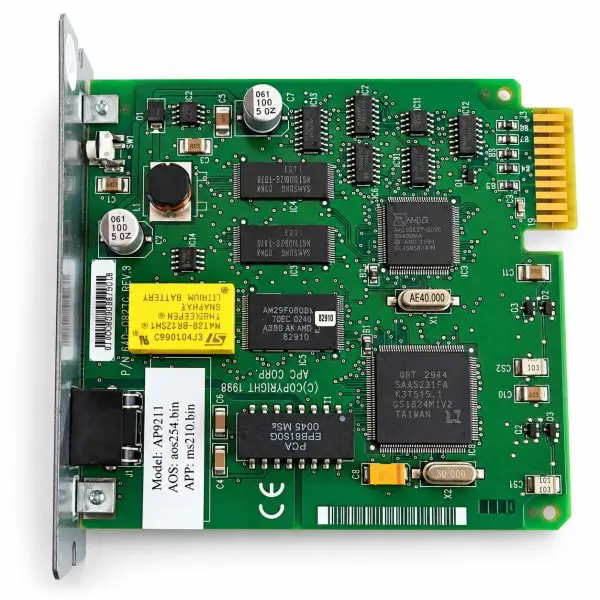
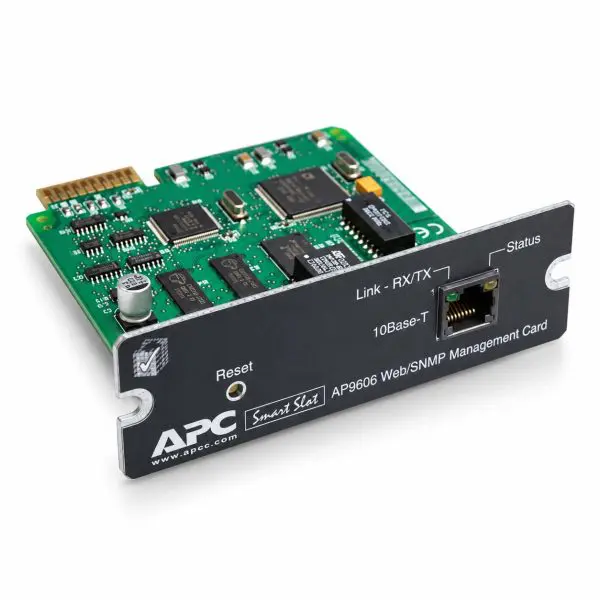
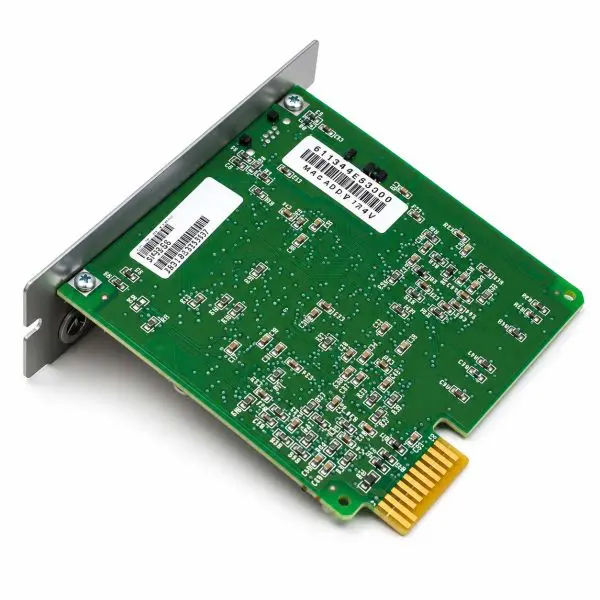
APC SmartSlot Web/SNMP Management Card — AP9606
Condition: Tested • Interface: APC SmartSlot • Management: Web + SNMP
The APC AP9606 SmartSlot Web/SNMP Management Card provides network-based monitoring and management for compatible legacy APC UPS systems. Access UPS operating information, review alarms, and integrate supported equipment with your existing SNMP monitoring platform.
A practical replacement option for established UPS installations, this tested management card helps maintain remote visibility into your backup power equipment. Compatibility depends on the exact UPS model and the card’s installed application firmware.
Key Features
- Web-based UPS visibility — view supported status information, operating readings, and alarms through the card’s browser interface.
- SNMP monitoring and traps — integrate UPS information and event notifications with compatible network-management tools.
- Event history — review recorded UPS and system events to support troubleshooting.
- Legacy SmartSlot replacement — maintain existing monitoring installations without assuming compatibility with every APC UPS family.
Important: Verify Your UPS Model Before Ordering
The AP9606 is not a universal APC network card. Supported equipment includes select older Smart-UPS SU/SUA, Symmetra, and Matrix systems, subject to model and firmware requirements. It is not supported in Smart-UPS SMT, SMX, or SRT families. A matching SmartSlot opening alone does not confirm compatibility.
| Technical Specifications |
AP9606 |
| Manufacturer |
APC / Schneider Electric |
| Model / Part Number |
AP9606 |
| Product Type |
SmartSlot Web/SNMP UPS management card |
| Condition |
Tested |
| Network Connection |
RJ45, 10BASE-T Ethernet (10 Mbps) |
| Management Access |
HTTP web interface, SNMP, and Telnet console |
| IP Configuration |
Static IP or BOOTP; DHCP is not supported |
| UPS Interface |
APC SmartSlot in supported legacy equipment |
| Primary Functions |
UPS monitoring, alarm reporting, SNMP integration, and event review |
| Product Status |
Legacy / discontinued model |
Deployment & Network Security
Confirm that the connected network switch supports 10 Mbps Ethernet. Use a documented static IP or BOOTP configuration.
Because this card uses legacy management protocols, deploy it on a restricted management network, change default credentials, and limit access to authorized personnel. Do not expose the card directly to the public internet.
Why Buy from Gruber Power Services?
- Tested hardware — checked for power-up and core network-management operation before shipment.
- Compatibility assistance — help confirming the appropriate card for your UPS model.
- Practical deployment support — guidance for IP configuration, SNMP monitoring, and event notifications.
Ordering & Configuration Requirements
Please provide your full UPS model number when ordering. A clear photo of the UPS identification label is also helpful. This information allows us to review SmartSlot compatibility and the required application firmware.
Need network preconfiguration? Request it before shipment so the available options and required settings can be confirmed. Otherwise, your technician or IT staff will need to configure the card for your site.
Order processing note: Missing UPS information may delay processing while compatibility is verified. Installation should follow the applicable APC instructions for the UPS and management card.