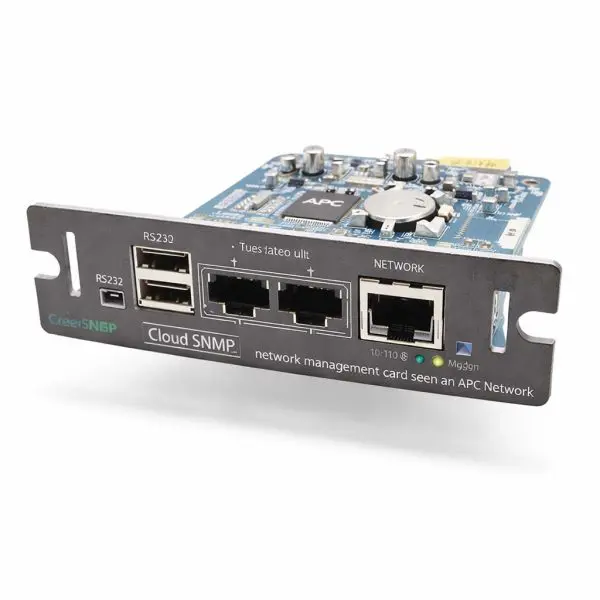
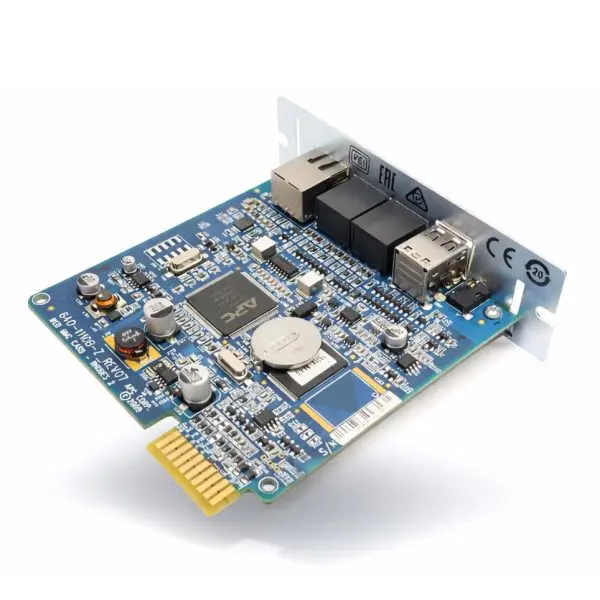
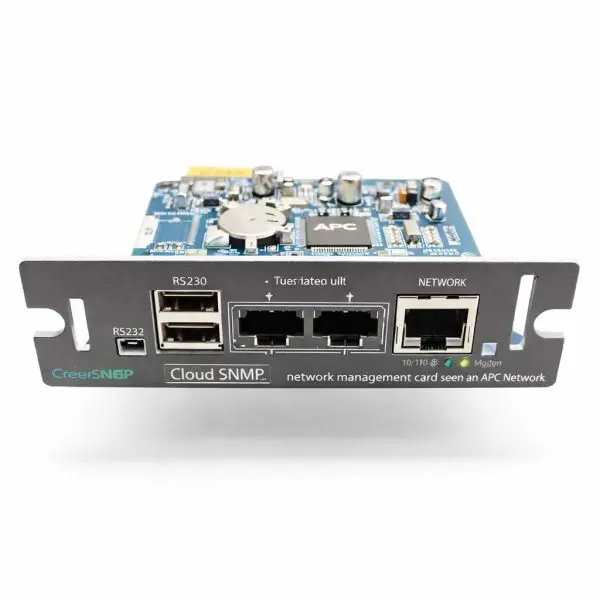
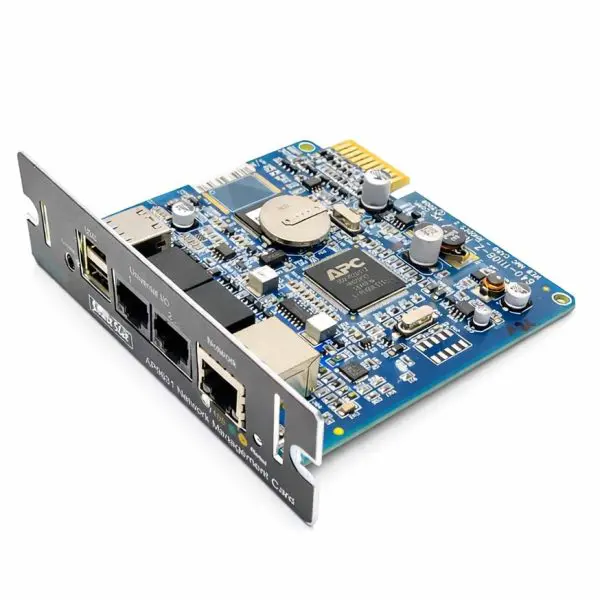
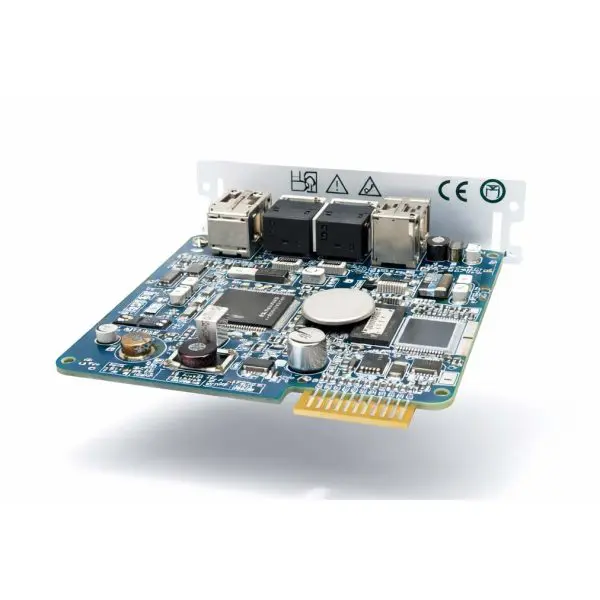
APC UPS Network Management Card 2 — APC AP9631 UPS Network Management Card 2 w Environmental Monitoring 640-1110B-Z
Type: UPS Network Card • Interface: Ethernet (RJ45) • Series: NMC2
The APC AP9631 adds secure, always-on remote management to compatible APC UPS systems—so you can monitor status, receive alerts, review event logs, and initiate graceful shutdown during extended outages. It’s a go-to upgrade for IT rooms, racks, edge closets, and remote sites where visibility and response time matter.
- Web / CLI / SNMP management — browser-based dashboard plus command line access and SNMP monitoring.
- Security-focused remote access — designed for hardened network environments with modern secure protocols.
- Notifications & logging — configurable alarms, event history, and reporting for troubleshooting trends.
- Managed shutdown support — enables unattended shutdown workflows for protected servers and hosts.
- Environmental capability — supports temperature / temp-humidity sensing via compatible probes.
Why network cards fail (and why it matters)
- Firmware corruption after improper updates or power interruptions during writes.
- Port damage from ESD events or rough handling during installs.
- Aging electrolytics and heat exposure in always-on racks.
- Mis-match installs (wrong UPS family/slot) causing non-detection or instability.
Our solution
- Fitment-first guidance — confirm UPS family, SmartSlot type, and feature needs before you buy.
- Clean configuration handoff — ideal for standardizing remote sites with repeatable settings.
- Practical deployment help — DHCP/static IP planning, alerting setup, and secure access best practices.
| Technical Specifications — AP9631 |
Detail |
| Product type |
UPS Network Management Card 2 (NMC2) |
| Network interface |
10/100 Ethernet (RJ45) |
| Management methods |
Web UI, command line interface, SNMP monitoring |
| Monitoring & alerts |
Events, logs, configurable notifications (email/syslog/SNMP traps depending on deployment) |
| Environmental support |
Supports compatible temperature and temperature/humidity probes (selection varies by accessory) |
| Typical application |
Remote UPS visibility, alerting, and managed shutdown for racks, closets, and edge sites |
Notes & fitment
Verify your UPS supports the SmartSlot / NMC2 platform before ordering. If you tell us your UPS model, we’ll help confirm compatibility and the best accessory path for environmental monitoring.
🛠️
Deployment tip
For best reliability, keep the card on a stable UPS firmware baseline and avoid interrupting firmware updates. Use a static IP (or DHCP reservation) for clean alerting and NMS integration.
Why buy from Gruber
- Fitment help — confirm UPS model/slot compatibility before you commit.
- Deployment support — practical guidance for secure access, alerting, and shutdown workflows.
- Power-protection expertise — we live in UPS ecosystems, not just “box shifting.”