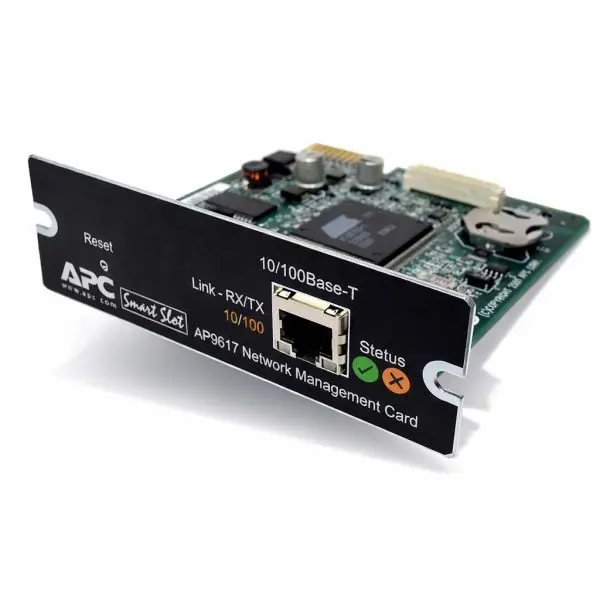
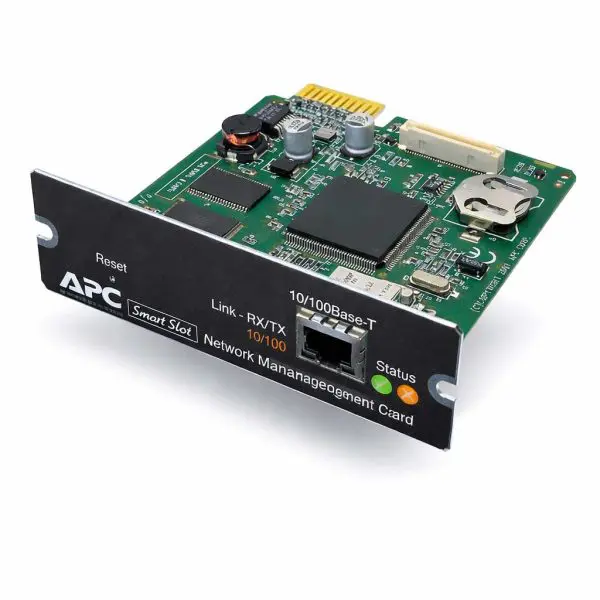
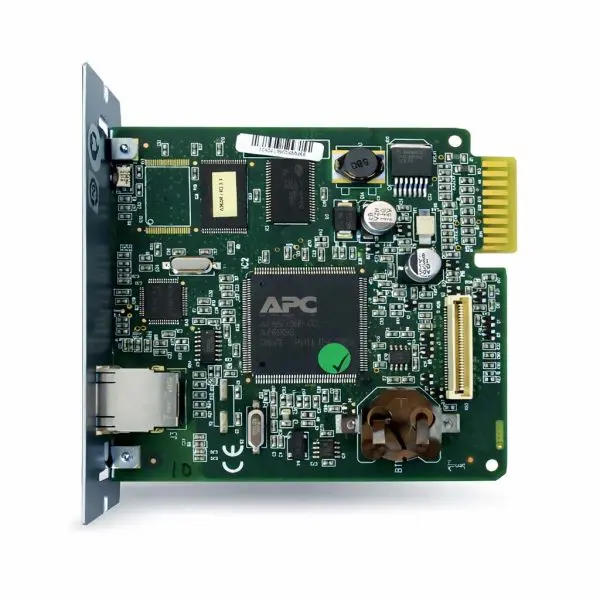
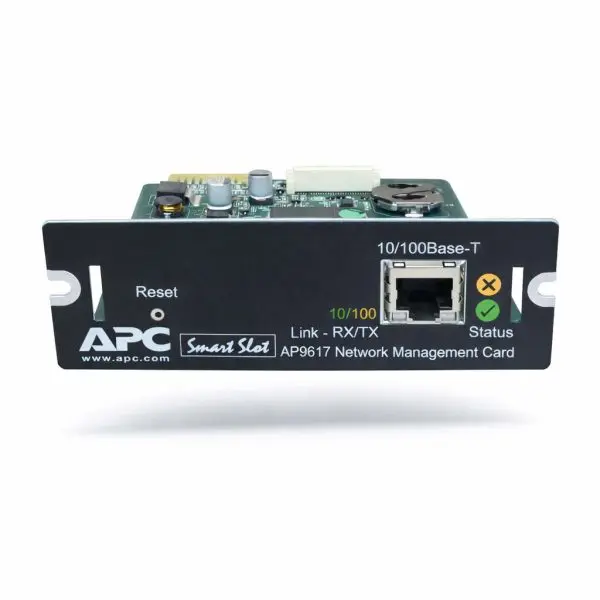
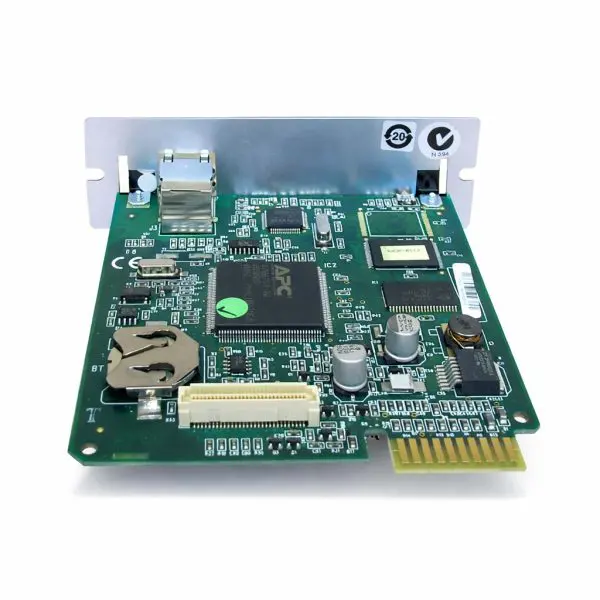
APC SmartSlot Management Network Card — AP9617
Condition: Tested • Type: SmartSlot Network Card • Management: SNMP / Legacy NMC
The APC AP9617 is a legacy SmartSlot management network card for select APC UPS families, enabling remote UPS monitoring and alerting through SNMP-based network management. It’s a practical upgrade for older rack and tower UPS systems where newer NMC2/NMC3 cards aren’t supported—but you still need visibility for alarms, runtime events, and power anomalies.
- Remote UPS visibility — monitor key UPS status and alarms over the network.
- SNMP integration — supports SNMP polling/traps for NMS platforms and monitoring stacks.
- Alerts & logging — event reporting for troubleshooting and trend tracking (deployment-dependent).
- Legacy SmartSlot fit — built for compatible APC SmartSlot UPS platforms (not universal).
- Tested unit — validated for power-up and core network management functionality.
Why network cards fail (and why it matters)
- ESD / port damage during installs, cable swaps, or handling in tight racks.
- Heat aging from years of continuous operation in warm UPS bays and closets.
- Firmware / config lockups after incomplete resets or interrupted updates on legacy platforms.
- Wrong-slot installs causing non-detection or unstable behavior.
Our solution
- Verified operation — tested for core management functions before it ships.
- Fitment-first support — we help confirm UPS family and SmartSlot compatibility.
- Practical deployment help — guidance for IP setup, SNMP monitoring, and alerting best practices.
| Technical Specifications — AP9617 |
Detail |
| Product type |
SmartSlot Management Network Card (legacy) |
| Management methods |
SNMP monitoring (legacy platform; web capability varies by UPS family/firmware) |
| Typical use |
Remote UPS status, alarms, and basic network management integration |
| Slot / platform |
APC SmartSlot (verify UPS family compatibility) |
| Best for |
Older APC UPS systems where newer NMC2/NMC3 cards are not supported |
🛠️
Deployment tip
For stable monitoring, use a static IP (or DHCP reservation) and keep SNMP settings documented. In tight racks, reduce strain on the port with a short patch lead and proper cable management.
Why buy from Gruber
- Tested hardware — validated before shipping with clear condition notes.
- Fitment help — tell us your UPS model and we’ll confirm the right card path.
- Deployment support — practical help for SNMP monitoring, alerting, and setup basics.
| Programming Required — UPS Model Needed |
| Important |
These network management cards must be programmed to the specific UPS model they will be installed in. |
| When ordering, please provide: |
- UPS brand (APC / Schneider Electric)
- Full UPS model number (e.g., SRT2200RMXLA, SMT1500RM2U, SURT6000XLI)
|
| Why we need this: |
- Load the correct device profile and settings for your UPS
- Verify firmware compatibility
- Optionally pre-configure IP / network settings if requested
|
| Note |
If UPS information is not provided at the time of purchase, your order may be delayed while we contact you, or the card may ship unprogrammed, requiring on-site configuration by your technician or IT staff. |