Products

Call Now For Support
1-800-658-5883

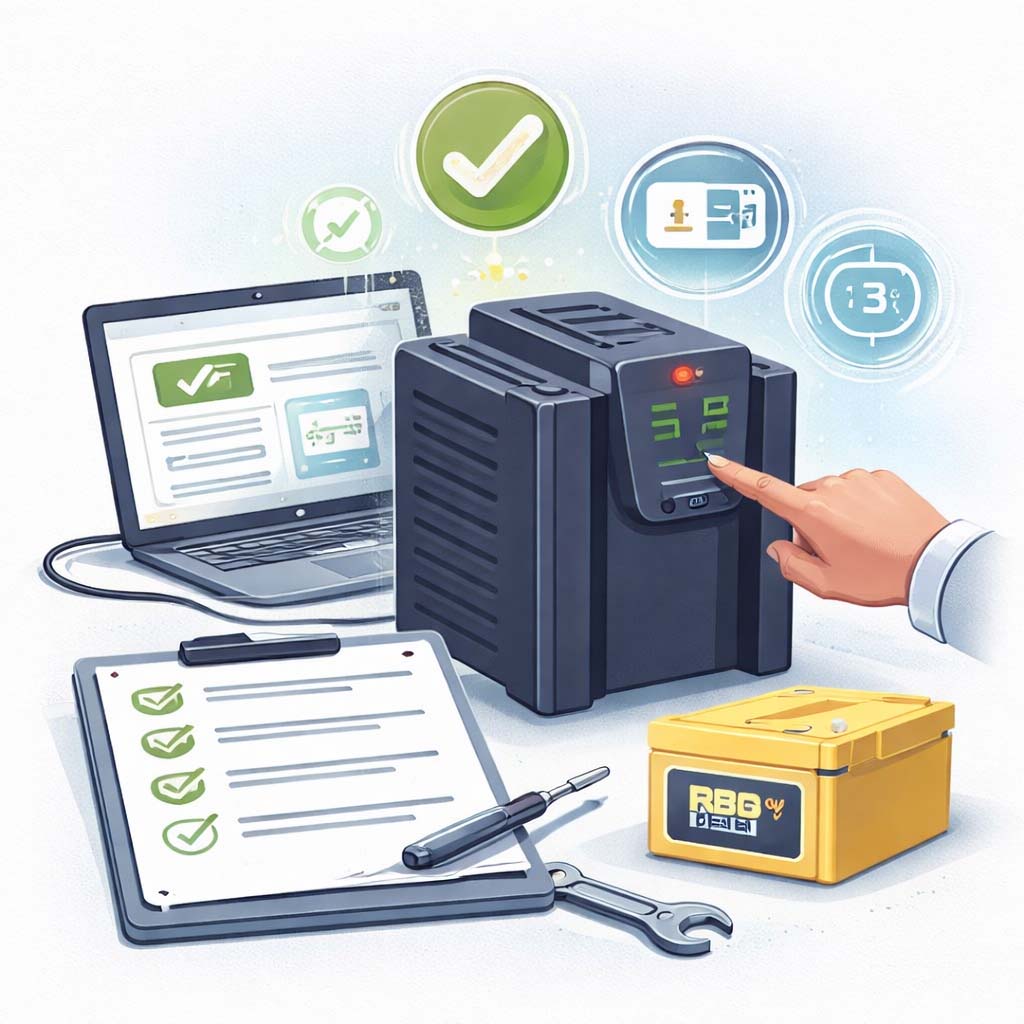
How to initiate an APC SmartUPS Battery Self Test

How to Initiate the Battery Self-Test in Smart-UPS
Applies to currently produced Smart-UPS (in or out of warranty)

The Replace Battery indicator (Red LED) is designed as an early warning signal to the Smart-UPS user.
If the LED is illuminated, that does not necessarily mean that the UPS is incapable of supporting the load.
In a true replace-battery scenario, the indicator may light 1 to 2 months prior to complete battery degradation.
It is important to identify whether or not battery replacement is immediately required.

Why this happens (and why the LED can be misleading)
  • There are instances when the indicator may be false.
  • For the LED to be lit or to be cleared, it is necessary to run a valid self-test.
  • If prerequisites are not met, or a runtime calibration/power event occurs, the Replace Battery LED state may not change (lit stays lit, dark stays dark).
Our solution (run a valid self-test + verify charging health)
  • Confirm the self-test is valid (meets capacity/charge prerequisites).
  • Check battery voltage after charging to confirm the charger and batteries are behaving normally.
  • Charge fully, then re-run the self-test so the LED can clear properly.
Category Detail
Valid self-test prerequisites Battery capacity must be greater than 75%
(or)
the Smart-UPS must have been charging for at least 8 hours since the last low-battery condition
(low battery = battery almost fully discharged).
Ways to initiate a self-test
  • PowerChute Plus software
  • SmartSlot accessory
  • Smart-UPS front panel test button
  • Automatic timer (every two weeks from turn on)
  • Start-up of the UPS
If prerequisites aren’t satisfied If a power failure is simulated, a runtime calibration is initiated, or the UPS plug is pulled from the outlet,
the Replace Battery LED state will not change.
Voltage check (non-XL) Using PowerChute Plus, after charging for 3 hours, battery voltage should be around
27.6V or 55.6V depending on the Smart-UPS model.
If not, the battery charger may be broken and the unit may need replacement
(RMA if in warranty).
You can also verify this if the battery capacity bar graph does not reach 100% after 3 hours.
LED/alarm sanity check Confirm all battery LEDs are working by clicking “Test UPS Alarm” through PowerChute Plus or the SmartSlot accessory.
After charging If possible, charge the unit for 24 hours.
The Smart-UPS will charge whether it is on or off, and whether a load is present or not.
In poor power-quality situations, it is recommended the unit be shut down during this charging period.
Run the self-test Run a self-test. The Replace Battery LED should clear.
If it fails the self-test, turn the unit off and restart it (Smart-UPS initiates a self-test on power-up).
If the unit fails the self-test, then assume the battery is bad.
Common causes of battery failure Age, high temperature, improper ventilation, over-usage due to poor power quality, a non-APC battery in use,
or a fault charging system. After addressing these issues, determine whether an RBC should be purchased
or the entire Smart-UPS should be replaced.
Service & coverage

These checks help you determine whether you need a battery cartridge (RBC) replacement or whether the UPS has a
charging system fault that warrants repair or unit replacement.

Maintenance tip:
For the cleanest self-test results, aim for a full charge (24 hours when possible), and avoid running on battery during recharge if your power quality is poor.
Tech support:
If your voltage is not near 27.6V / 55.6V after charging, or the LED won’t clear after a valid test, contact Gruber Power Services for help identifying whether you need an RBC or a UPS repair path.
Skill level
Basic software check + simple interpretation (no electrical disassembly required)


More Tutorials and Training

How to initiate an

How to Initiate the Battery Self-Test in Smart-UPS Applies to currently produced Smart-UPS (in or out of warranty) The Replace

Learn More →
Gruber Power Services