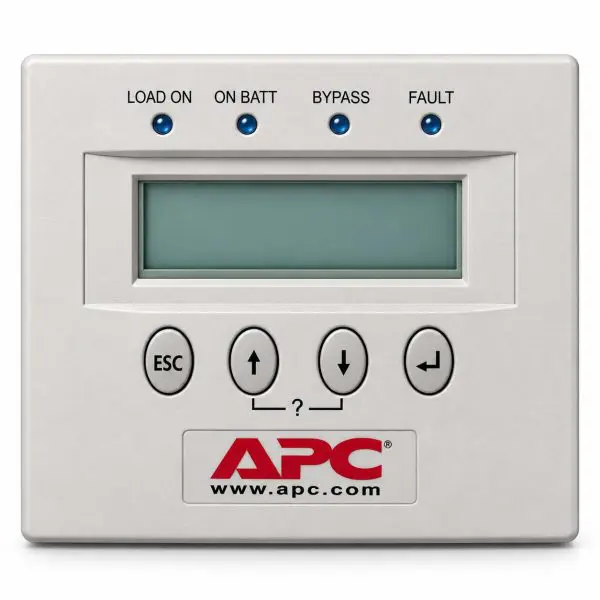
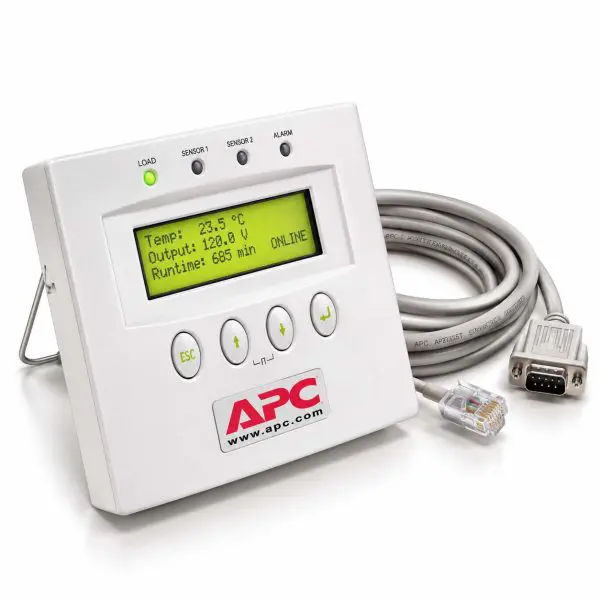
APC PowerView UPS Management Display — AP9215
Type: UPS Management Display • Series: PowerView • Part Number: AP9215
The APC AP9215 PowerView is a local UPS management display used with compatible APC power systems. It provides technicians and facility personnel with access to UPS operating status, alarms, system information, and supported control functions directly at the equipment.
Features
- Local UPS Monitoring — provides access to supported UPS status and operating information.
- Alarm Visibility — allows technicians to view system alarms and operating conditions locally.
- Operator Interface — provides front-panel access to supported monitoring and control functions.
- Service Replacement — suitable for replacing a diagnosed failed or damaged PowerView display.
- Critical Power Application — designed for compatible APC UPS installations.
| Technical Specifications |
Detail |
| Manufacturer |
APC / Schneider Electric |
| Part Number |
AP9215 |
| Series |
APC PowerView |
| Product Type |
UPS Management Display / Operator Interface |
| Function |
Local UPS monitoring, alarms and supported operator functions |
| Application |
Compatible APC UPS systems |
| Compatibility |
UPS model / platform specific — verify before ordering |
UPS Model Required — Compatibility Verification
Important: The AP9215 PowerView should not be assumed compatible with every APC UPS system. Please provide your complete UPS model number when ordering so we can help verify compatibility before shipment.
When available, please also provide the UPS serial number, frame or cabinet information, and the part number from the existing display.
Why Buy from Gruber Power Services
- Compatibility Assistance — help confirming the correct display for your APC UPS platform.
- UPS Parts Experience — extensive experience supporting APC and Schneider Electric critical-power systems.
- Critical Power Expertise — backed by decades of UPS service and power-protection experience.